How to Download the Hall Ticket for DU SOL?
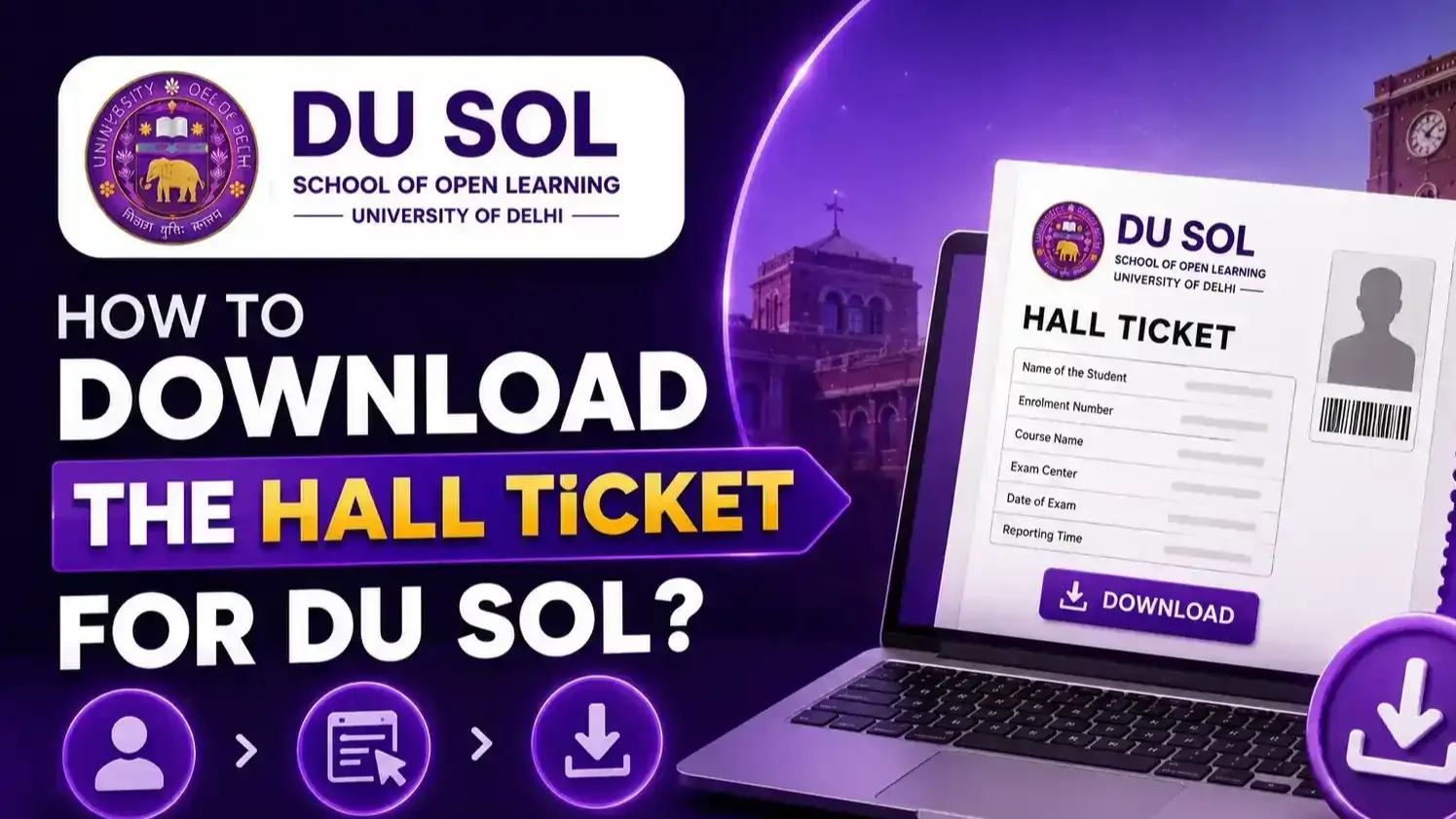
The DU SOL hall ticket is a compulsory pass that all Delhi University School of Open Learning (DU SOL) end-semester examinations will provide to all students. Without a valid DU SOL admit card, a student will not be allowed to sit for any examination. All DU SOL hall ticket downloads, along with all relevant instructions, are released online via the official SOL website and students must log in to their account with valid credentials before the examination begins. Let’s look at DU SOL hall ticket release dates, download process, login steps, exam centre, exam day procedures.
What is the DU SOL Hall Ticket?
DU SOL hall ticket is an official paper with roll no, test center, paper code, Exam date & candidate details, etc to get inside for exams.
Importance of the Hall Ticket
Without a DU SOL admit card, you won't be allowed for the exam. Hall tickets DU SOL of the students will be checked at the examination center by invigilators.
Who Can Download the Hall Ticket?
DU SOL hall ticket can be downloaded by any UG or PG student of DU SOL who has successfully submitted their examination form and paid their fee.
Eligibility to Receive the Hall Ticket
DU SOL exam hall ticket is not released for candidates whose fees have not been paid, whose exam form has not been submitted or still have some admission form defects.
DU SOL Hall Ticket Release Date 2026
Event | Expected Timeline |
UG Even Semester Hall Ticket | April – May 2026 |
PG Even Semester Hall Ticket | April – May 2026 |
Odd Semester Hall Ticket | October – November 2026 |
Supplementary Hall Ticket | July – August 2026 |
How to Download DU SOL Hall Ticket?
Step 1: Visit the Official DU SOL Website
Access sol.du.ac.in through Chrome or Firefox — the only authorised platform for DU SOL hall ticket download.
Step 2: Open the Hall Ticket Portal
Visit the Examination menu and click on the Hall ticket/ Admit card download link in the student portal home page.
Step 3: Enter Login Credentials
Enter SOL roll number or registration number and password — credentials are mandatory for DU SOL admit card portal access.
Step 4: Verify Student Details
Confirm the name, course, semester, and roll number displayed on screen match enrollment records before proceeding with DU SOL hall ticket download.
Step 5: Download the Hall Ticket PDF
Click the Download button — hall ticket DU SOL generates as a PDF file containing all examination entry details.
Step 6: Print the Hall Ticket
Print a minimum of two copies of the DU SOL admit card on A4 paper — one for examination submission and one for personal retention.
DU SOL Hall Ticket Login Process
Log in Using Roll Number
Enter the 13-digit SOL examination roll number on the DU SOL hall ticket login page alongside the registered password.
Log in Using Registration Number
Students who do not have roll numbers may log in using the admission registration number — an alternate credential for DU SOL exam hall ticket portal access.
Password Recovery
Visit the Login page on the DU SOL portal, click Forgot Password, enter the registered email address/ mobile number, verify with an OTP, and change the password for accessing the hall ticket.
Student Dashboard Access
Successful login grants access to the student dashboard — navigate to the Examination section to locate the DU SOL admit card download link.
Details Mentioned On Hall Ticket
Student Name
Full name as registered during DU SOL enrollment — must match identity documents carried to the examination centre.
Roll Number
Unique examination roll number — primary identification credential on the hall ticket DU SOL verified by invigilators at the centre.
Enrollment Number
DU SOL admission enrollment number — printed on the DU SOL admit card for institutional record verification.
Course Name
Enrolled program — BA, B.Com, MA, M.Com, or equivalent — printed on the DU SOL exam hall ticket.
Semester
Current examination semester — Semester 1 through Semester 6 for UG, Semester 1 through Semester 4 for PG programs.
Subject Codes
All enrolled subjects with individual subject codes — verify all registered subjects appear correctly on the DU SOL hall ticket.
Examination Centre
Assigned examination centre name, address, and centre code — students must report to the centre printed on the DU SOL admit card.
Exam Date & Time
Scheduled examination dates and reporting times for each subject — confirm against the official DU SOL examination schedule after hall ticket DU SOL download.
Candidate Photograph & Signature
Passport photograph and signature uploaded during DU SOL registration — printed on the hall ticket DU SOL for invigilator identity verification.
Documents Required Along with DU SOL Hall Ticket
Valid Photo ID Proof
Government-issued photo identity is mandatory alongside the DU SOL hall ticket — Aadhaar card, passport, or voter ID are widely accepted.
College Identity Card
DU SOL student identity card provides institutional identity confirmation supplementing the DU SOL admit card at examination centres.
Aadhaar Card
Aadhaar card is the most widely accepted identity document alongside the DU hall ticket — carry the original, not a photocopy.
Passport Size Photograph
Two recent passport photographs — required at certain examination centres alongside the printed DU SOL hall ticket.
Other Acceptable Identity Proofs
Driving licence, PAN card, or any government-issued photo identity document is accepted along side the DU SOL admit card for examination entry.
What to Do If You Cannot Download the DU SOL Hall Ticket?
Login Issues
Verify roll number and password accuracy — use Forgot Password for credential recovery if DU SOL hall ticket download login fails repeatedly.
Website Errors
Clear browser cache, switch browsers, disable VPN, and retry during off-peak hours — server congestion near DU SOL admit card release dates causes temporary access failures.
Missing Hall Ticket
If the DU SOL exam hall ticket is not generated despite a completed examination form and fee payment, contact the DU SOL examination branch immediately with the enrollment number and fee payment receipt.
Contacting DU SOL Helpdesk
Reach DU SOL support through sol.du.ac.in official helpdesk — provide roll number, enrollment number, course, semester, and DU SOL hall ticket issue description.
Technical Support
Screenshot technical errors encountered during hall ticket DU SOL download — submit to DU SOL technical support with device and browser details for resolution.
DU SOL Exam Day Instructions
Reporting Time
At least 30 minutes before the scheduled time (printed on your DU SOL hall ticket), you are supposed to reach the examination center.
Items Allowed in Examination Hall
DU SOL hall ticket, valid identity proof, a blue/black ballpoint pen, a pencil for diagramming, and a transparent geometry box if required.
Prohibited Items
Smartwatches, calculators (unless allowed), unfair means materials, and mobile phones/electronic equipment will not be allowed in the examination centers of the DU SOL Exam Hall Ticket Holder examination.
Dress Code (If Applicable)
If there is no prescribed dress code, candidates should appear for the exam decently enough with permitted items. Along with the hall ticket, students will have to bring DU SOL hall tickets with them.
Attendance Requirements
The students are supposed to sign the attendance with the roll number the same as the DU SOL admit card; the signature on the attendance sheet is essential for processing the result download.
Common Errors on DU SOL Hall Ticket
Incorrect Name
Name spelling discrepancy between DU SOL admit card and identity documents — must be corrected before the examination date through the examination branch.
Wrong Course Details
Incorrect program or semester printed on the DU hall ticket — report immediately to DU SOL examination administration with enrollment proof.
Incorrect Photograph
Wrong photograph appearing on the DU SOL exam hall ticket — contact DU SOL examination branch with original DigiLocker or portal photograph proof.
Wrong Examination Centre
Incorrect centre allotment on the DU SOL admit card — raise a correction request through sol.du.ac.in with enrollment number and correspondence address proof.
Missing Subject Codes
Subjects missing from the DU SOL hall ticket — verify examination form submission for those subjects and contact the examination branch with fee payment confirmation.
How to Correct Errors in DU Hall Ticket?
Contact the Examination Branch
Visit or write to the DU SOL examination branch at the University of Delhi campus — carry enrollment proof, DU SOL admit card printout, and supporting documents.
Raise an Online Query
Submit an online correction request through the sol.du.ac.in helpdesk — provide roll number, error description, and supporting document scans.
Required Supporting Documents
Enrollment confirmation, fee payment receipt, identity proof, and the erroneous DU SOL hall ticket printout are required for all correction requests.
Correction Timeline
Submit correction requests a minimum five working days before the examination date — last-minute DU SOL admit card corrections cannot be guaranteed within shorter timelines.
Important Tips Before Downloading the Hall Ticket
Verify Registration Details
Confirm examination form submission and fee payment are completed — incomplete records prevent hall ticket SOL DU generation regardless of enrollment status.
Keep Login Credentials Ready
SOL roll number and portal password must be accessible before attempting DU SOL hall ticket download — retrieve or reset credentials in advance.
Download Multiple Copies
Download and save the DU SOL admit card PDF to multiple storage locations — print minimum two physical copies before the examination date.
Read Exam Instructions Carefully
Review all examination guidelines printed on the hall ticket SOL DU — centre address, reporting time, and permitted materials are specified on the document.
Visit the Exam Centre in Advance
Get your DU SOL exam centre location, route, and entry gate by visiting at least one day before your first examination. Visit your assigned exam center by Referring centre details from the hall ticket of examination.
Conclusion
DU SOL hall ticket is the single most important document for examination entry — students who do not carry a valid DU SOL admit card are denied entry without exception under university regulations. Ensure your full hall ticket DU SOL 7 days in advance to avoid a broken portal and printouts on the first exam day. Report to your allotted centre on time, be present with valid identification, the DU SOL hall ticket and fully observe examination conduct instructions mentioned on the admit card.