DU SOL Student Login Guide: How to Access Your Student Portal
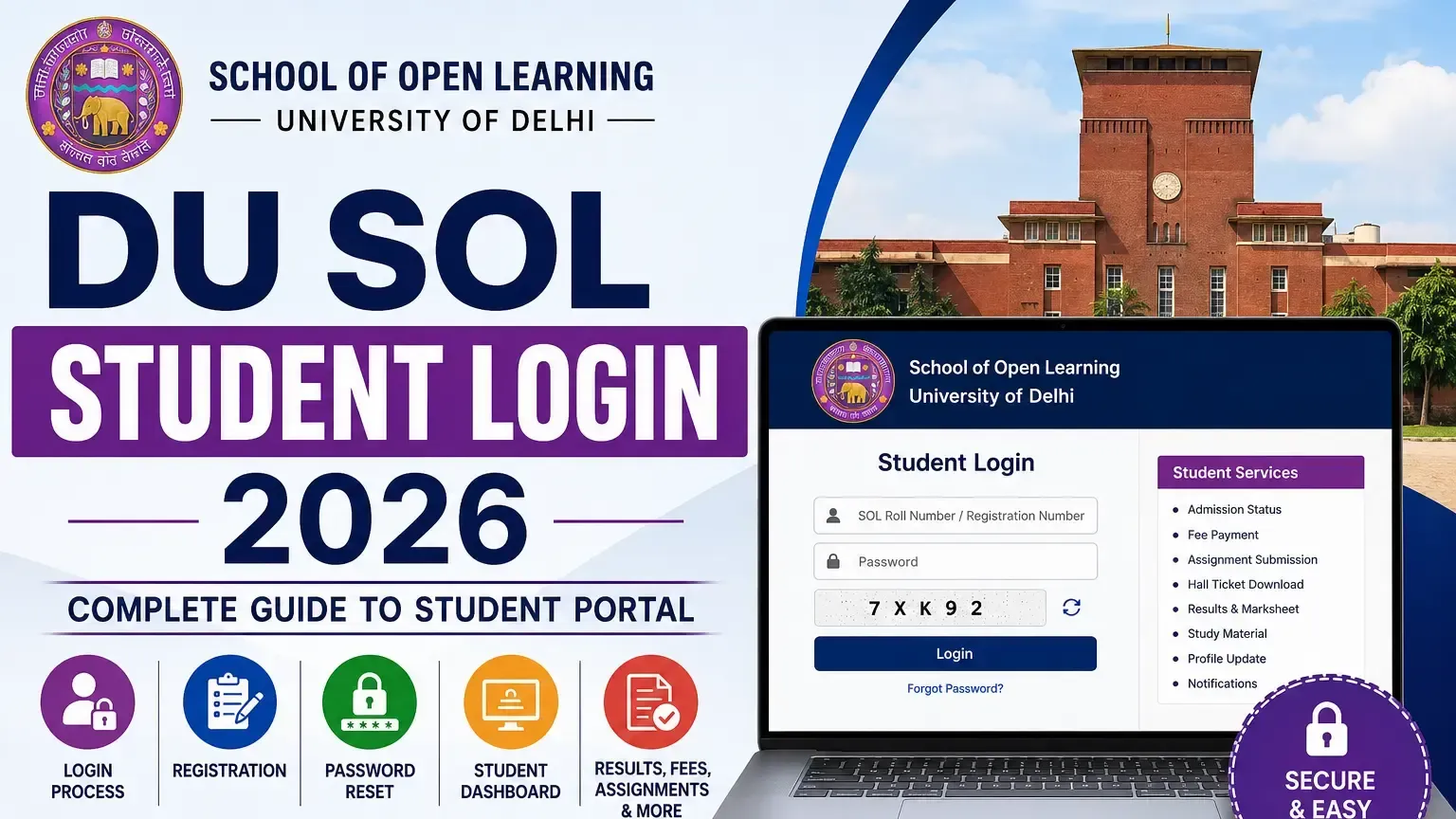
DU SOL student login portal is the central digital hub from where all Delhi University School of Open Learning students can access online all facilities provided by the institute. From fee submission to assignment work, from downloading hall tickets to filling applications for exams, from accessing marksheets and results, the DU SOL login portal helps students to accomplish everything they can on campus without having to visit DU.
DU SOL Student Login – Overview
What is the DU SOL Student Login Portal?
The official portal sol.du.ac.in or DU SOL login portal gives the admitted candidates secure and authenticated access to the various examination, administrative, and academic facilities available through DU.
Purpose of the Student Dashboard
DU SOL login dashboard integrates all student-centric services; Admission Status, Fees, Assignment, Hall Ticket, Result and Study material under one verified dashboard.
Who Can Access the Portal?
The DU SOL Student Login portal will be accessible by all registeredUG and PG students of Delhi University School of Open Learning who possess a valid SOL Roll Number and registration ID.
Key Features of the Login Portal
Fee payment, assignment submission, hall ticket download, examination form filling, result access, study material download, and profile management are available through DU SOL student portal login.
DU SOL Student Login Highlights
Quick Overview
Particular | Details |
Portal Name | DU SOL Student Portal |
University | Delhi University School of Open Learning |
Login Mode | Online |
Users | UG and PG Students |
Login Credentials | SOL Roll Number / Registration Number and Password |
Services | Admission, Fees, Hall Ticket, Assignments, Results |
Official Portal | sol.du.ac.in |
How to Access the DU SOL Student Login Portal?
Visit the Official DU SOL Website
Access sol.du.ac.in through a web browser — this is the only authorised DU SOL login portal. Avoid third-party links claiming to provide student portal access.
Open the Student Login Page
Click the Student Login option on the DU SOL homepage — this directs to the authenticated DU SOL student login credential entry page.
Enter Login Credentials
Enter SOL roll number or registration number and registered password — both fields are mandatory for DU SOL student portal access.
Verify Details
Review entered credentials for accuracy before submission — incorrect entries trigger login failure and may temporarily lock DU SOL login access after repeated attempts.
Access the Student Dashboard
Successful credential verification grants access to the DU SOL student login dashboard — all available services are displayed on the personalised student interface.
How to Register on the DU SOL Student Portal?
New Student Registration
New students complete initial registration at sol.du.ac.in using admission number, name, and date of birth — generating first-time DU SOL student login credentials.
Email & Mobile Verification
Registered email address and Aadhaar-linked mobile number must be verified through OTP during initial DU SOL login portal registration.
Creating Login Credentials
Students create a secure password during registration — used for all subsequent DU SOL student portal login sessions alongside the SOL roll number.
Registration Confirmation
Confirmation of successful registration is sent to the registered email — containing DU SOL login credentials and portal access instructions.
DU SOL Login Process – Step-by-Step Guide
Step 1: Visit the Login Portal
Access sol.du.ac.in and click the Student Login link — the official entry point for all DU SOL student login sessions.
Step 2: Enter SOL Roll Number/Registration Number
Enter the 13-digit SOL roll number or admission registration number in the designated credential field on the DU SOL login page.
Step 3: Enter Password
Enter the password created during initial registration — passwords are case-sensitive on the DU SOL student portal login interface.
Step 4: Complete CAPTCHA Verification
Complete the displayed CAPTCHA verification — a mandatory security step before DU SOL student login credential submission is processed.
Step 5: Log in Successfully
Click the Login button after completing all fields — successful authentication grants immediate access to the DU SOL student login dashboard and all available services.
Features Available on the DU SOL Student Portal
Admission Status
View current admission status, enrolled course details, and admission confirmation documents through the DU SOL student login portal dashboard.
Fee Payment
Pay annual course fees, examination fees, and re-registration charges directly through the DU SOL login portal using debit card, credit card, net banking, or UPI.
Assignment Submission
Upload completed assignment files in specified formats within deadlines — DU SOL student portal records submission date and time for assessment purposes.
Hall Ticket Download
Download examination hall ticket — required for appearing in DU SOL end-term examinations — accessible exclusively through DU SOL student login before examination dates.
Exam Form
Fill and submit examination forms for each semester within specified deadlines — mandatory process before hall ticket generation through DU SOL login portal.
Results & Marksheet
Access declared semester results and download official marksheets directly from the DU SOL student portal after result publication by Delhi University.
Study Material
Download digital study material for enrolled subjects — uploaded by DU SOL faculty and accessible through the DU SOL student login dashboard throughout the academic year.
Academic Calendar
You can see the semester schedule, exam schedule and exam dates, submission dates of assignments, and the upcoming events by visiting the academic calendar in the DU SOL login portal.
Student Profile Management
Update personal details, contact information, photograph, and communication preferences through the profile management section of the DU SOL student portal.
How to Reset DU SOL Login Password?
Forgot Password Process
Click the "Forgot Password" link on the DU SOL student login page — enter the registered email address or mobile number to initiate password reset.
OTP Verification
An OTP is sent to the registered mobile number or email — enter the OTP within the specified time window to proceed with DU SOL login password reset.
Creating a New Password
Enter a new strong password — minimum eight characters including uppercase, lowercase, number, and special character — for the DU SOL student portal account.
Password Recovery Tips
Save the new DU SOL login password securely immediately after reset — note it in a secure location to prevent repeated password recovery requirements.
Common DU SOL Login Problems & Solutions
Invalid Login Credentials
Verify the SOL roll number against the admission confirmation email and re-enter the password carefully — credential mismatch is the most common DU SOL student login failure cause.
Forgot Password
Use the Forgot Password option on the DU SOL login page — OTP-based password reset is available 24/7 through the official portal.
OTP Not Received
Verify the registered mobile number is active and network-connected — wait two minutes before requesting an OTP resend for DU SOL student portal password reset.
Website Not Opening
Clear browser cache and cookies, disable VPN if active, and retry DU SOL login access during off-peak hours — portal congestion causes temporary access failures during peak periods.
Student Dashboard Not Loading
Refresh the browser, switch to Chrome or Firefox, and ensure stable internet connectivity — incomplete DU SOL student login dashboard loading is typically a browser or connectivity issue.
Technical Errors
Screenshot the error message and contact DU SOL technical support through the official helpdesk at sol.du.ac.in — provide roll number and error description for resolution.
DU SOL Student Dashboard Explained
Profile Section
Displays the enrolled student's personal details, photograph, course enrollment, and contact information registered during DU SOL student login account creation.
Course Details
Shows enrolled program, subjects, semester status, and academic year details linked to the student's DU SOL login account.
Fee Payment History
Displays complete fee payment records with transaction IDs, payment dates, and amounts — accessible through the DU SOL student portal fee section.
Assignment Status
Shows submitted assignments, submission dates, and assessment status for each subject within the current semester through DU SOL student login.
Examination Section
Contains examination form submission, hall ticket download, and result access — the most frequently used section of the DU SOL login dashboard.
Notifications & Announcements
Official DU SOL notifications regarding fee deadlines, examination schedules, assignment uploads, and portal updates appear in the DU SOL student portal notification section.
How to Update Student Profile on DU SOL Portal?
Personal Details
Name corrections and date of birth updates must be supported by valid documents — submitted through the profile section of the DU SOL student login portal.
Contact Information
Mobile number and email address updates are processed through the DU SOL login portal — OTP verification is required for contact detail changes.
Photograph Update
Upload a new passport photograph in JPG format within specified size limits — updated through the profile management section of the DU SOL student portal.
Academic Details
Course, semester, and enrollment detail discrepancies should be reported to DU SOL administration — not editable directly through the DU SOL student login interface.
Password Change
Change password at any time through the Security Settings section of the DU SOL login portal — recommended after any suspected unauthorised access.
Important Services Available Through DU SOL Login
Online Admission
New admission confirmation, document submission, and enrollment completion are processed through the DU SOL student login portal during the admission cycle.
Re-registration
Annual re-registration for continuing students — mandatory for each subsequent academic year — is completed through the DU SOL login portal fee payment and form submission process.
Examination Form
Semester examination form submission within published deadlines — mandatory prerequisite for hall ticket generation through DU SOL student portal.
Hall Ticket Download
Semester examination hall ticket download — accessible exclusively through DU SOL student login approximately two weeks before scheduled examinations.
Assignment Submission
Digital assignment upload within subject-specific deadlines — submitted through the DU SOL login portal assignment section for faculty evaluation.
Result Download
Official semester results and downloadable marksheets — accessible through the DU SOL student portal immediately after Delhi University result declaration.
Security Tips for DU SOL Student Login
Keep Password Secure
Use a unique, strong password for DU SOL login — avoid using the same password across multiple platforms to prevent unauthorised portal access.
Avoid Public Devices
Never access the DU SOL student login portal on shared or public computers — credential theft risk is highest on unsecured public devices.
Logout After Every Session
Always click the Logout button after completing DU SOL student portal activities — active sessions on shared devices expose student data to unauthorised access.
Enable Secure Browsing
Access DU SOL login exclusively through the https://sol.du.ac.in URL — verify the padlock symbol in the browser address bar before entering credentials.
Latest Updates on DU SOL Student Portal 2026
New Portal Features
DU SOL improves DU SOL student login portal 2026 with enhanced mobile responsiveness, speedy dashboard access, and better accessibility to digital learning resources.
Student Dashboard Updates
Assignment submission interface and fee payment gateway have been upgraded — providing smoother transaction processing through the DU SOL login portal in 2026.
Login System Improvements
Two-factor authentication and improved CAPTCHA systems have been implemented — strengthening DU SOL student portal security for all enrolled students.
Official Notifications
All DU SOL login portal updates and feature announcements are published through sol.du.ac.in and the DU SOL official social media channels — monitor these for current system information.
DU SOL Student Portal vs Official Website
Parameter | Student Portal | Official Website |
Purpose | Authenticated student services | Public information |
Access | Login required | Open access |
Services | Fees, results, hall ticket, assignments | Admission info, notices, syllabus |
Users | Enrolled students only | General public |
URL | sol.du.ac.in (Login) | sol.du.ac.in (Public) |
Student Portal Functions
DU SOL student login portal provides authenticated access to personalised academic services — fee payment, examination forms, results, and study material.
Official Website Services
DU SOL admission information, download syllabus, fee structure, and institution notifications are available freely without logging in on DU SOL’s official website.
When to Use Each Platform
Use DU SOL student portal for all personalised academic transactions — use the official website for general admission information, prospectus download, and public announcements.
Conclusion
DU SOL student login portal is the primary academic management interface for all Delhi University School of Open Learning students — providing complete online access to every critical student service from enrollment through result declaration. Regular DU SOL login portal access ensures students stay updated on assignment deadlines, examination schedules, fee payment windows, and result declarations — all critical for uninterrupted academic progression. DU SOL student portal credentials provide access to sensitive personal and financial information — maintain strong, unique passwords, avoid public device access, and log out after every session without exception.