DU SOL Assignment Submission 2026: Process, Last Date & Guidelines
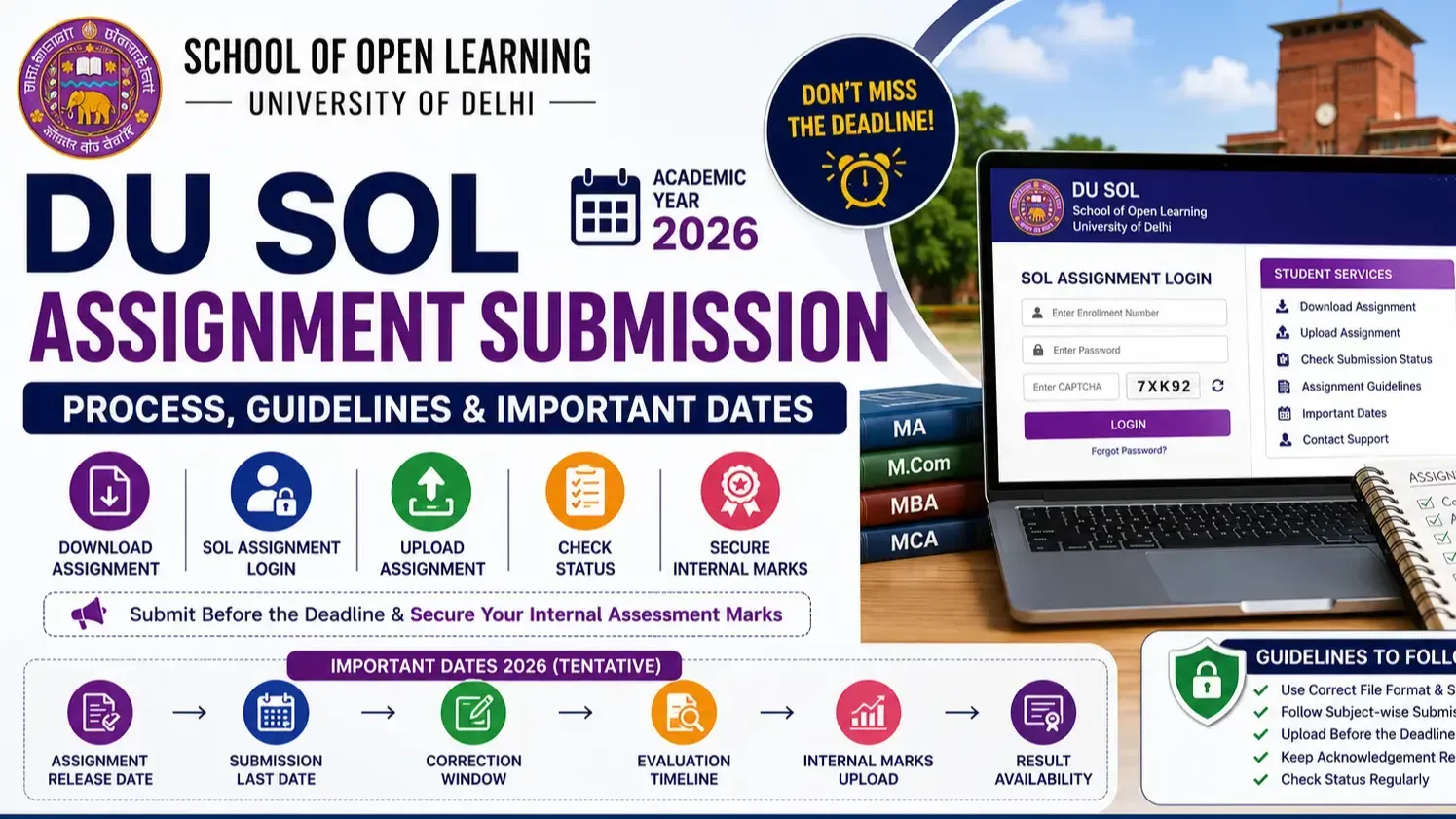
DU SOL assignment submission is a mandatory academic requirement for all enrolled UG and PG students of Delhi University School of Open Learning — contributing directly to internal assessment marks that form part of the final examination result. DU assignment submission is conducted online through the official SOL portal, requiring students to download subject-wise assignment PDFs, complete responses, and upload within specified deadlines. There could be a direct impact of not submitting SOL assignments on the Marks of your semester results processing. Let’s cover the complete DU SOL assignment 2026 submission process, important dates, guidelines, DU SOL evaluation criteria & troubleshooter.
What is DU SOL Assignment Submission?
Purpose of DU SOL Assignments
DU SOL assignment serves as the internal assessment component — enabling continuous academic evaluation between enrollment and end-semester examination, improving overall academic performance tracking.
Who Needs to Submit DU SOL Assignments?
All enrolled UG and PG students of DU SOL must submit du assignment for each subject per semester — eligibility applies from the first semester of enrollment onwards.
DU SOL Assignment Submission 2026 Highlights
Particular | Details |
Assignment Session | 2026 |
Academic Year | 2025–26 |
Submission Mode | Online — Official SOL Portal |
Assignment Weightage | 20–30% of Internal Assessment |
Eligible Students | All enrolled UG and PG students |
Official Portal | sol.du.ac.in |
Submission Status | Checkable through student login |
Last Date (Tentative) | As per official DU SOL notification |
Result Availability | After faculty evaluation and marks upload |
DU SOL Assignment Important Dates 2026
Event | Expected Timeline |
Assignment Release Date | January – February 2026 |
Assignment Submission Last Date | March – April 2026 |
Correction Window | Subject to university notification |
Evaluation Timeline | April – May 2026 |
Internal Marks Upload | May – June 2026 |
Assignment Release Date
DU SOL assignment PDFs are typically released between January and February — downloadable from the official portal immediately after publication.
Assignment Submission Last Date
The du sol assignment submission deadline falls between March and April 2026 — exact dates published on sol.du.ac.in and must be verified before applying.
Correction Window (If Applicable)
A limited correction window may be provided for rejected or incorrectly uploaded assignment du sol submissions — subject to official DU SOL notification.
Evaluation Timeline
Faculty evaluation of submitted du assignment files is conducted between April and May — following the official submission deadline closure.
Internal Marks Upload Schedule
Internal assessment marks from DU SOL assignment evaluation are uploaded to the university system between May and June — prior to end-semester result processing.
How to Download DU SOL Assignment PDF?
Step-by-Step Download Process
Visit Official Portal: Access sol.du.ac.in through a web browser and navigate to the DU SOL assignment download section on the student portal.
Select Course Choose enrolled UG or PG program from the available course list on the du sol assignment portal page.
Choose Semester Select the current semester for which assignment du sol PDFs are required — assignments are semester-specific.
Download Assignment PDF Click the download link for each subject — save all subject-wise DU SOL assignment PDFs to device storage before beginning responses.
Save Subject-wise Assignments Organise downloaded du assignment files by subject name and code — prevents file mix-up during the upload submission stage.
DU SOL Assignment Submission Process (Step-by-Step)
Step 1 – Complete Your Assignment
Answer all questions in the downloaded DU SOL assignment PDF — follow subject-specific instructions for handwritten or typed format requirements.
Step 2 – Arrange Required Documents
Gather completed assignment, student ID card, enrollment number, and declaration page before initiating the DU assignment upload process.
Step 3 – Visit the Assignment Submission Portal
Access sol.du.ac.in and navigate to the DU SOL assignment submission section — available through the student dashboard after login.
Step 4 – Log in Using SOL Credentials
Enter your enrollment number and password on the SOL assignment login page — credential verification is mandatory before assignment upload access is granted.
Step 5 – Upload Assignment Files
Select the correct subject, semester, and assignment file — upload the completed DU SOL assignment in the specified format within the file size limit.
Step 6 – Verify Uploaded Documents
Preview the uploaded du sol assignment file before final submission — verify subject code, semester, and file clarity are correct.
Step 7 – Submit Successfully
Click the final Submit button after verification — assignment du sol submission is confirmed when the portal displays a successful submission message.
Step 8 – Download Acknowledgement Receipt
Download and save the acknowledgement receipt immediately after successful DU SOL assignment submission — required as proof for dispute resolution.
Documents Required for DU SOL Assignment Submission
Completed DU SOL assignment PDF — handwritten or typed as per subject requirements
Student ID card — issued at the time of DU SOL enrollment
Enrollment number — mandatory for sol assignment login and submission identification
Aadhaar card — if specifically required by the portal during submission
Passport-size photograph — where required by the du assignment submission form
Subject details — course code, subject name, and semester clearly noted on assignment
Declaration page — signed declaration confirming original work, submitted with DU SOL assignment
DU SOL Assignment Submission Guidelines
File Format
DU SOL assignment files must be uploaded in PDF format — JPG or Word document uploads are not accepted on the official submission portal.
File Size Limit
Maximum file size for du sol assignment uploads is typically 2MB to 5MB per subject — compress scanned files if they exceed the specified limit.
Handwritten vs Typed Assignment
Handwritten DU SOL assignment responses are accepted and preferred for most subjects — typed assignments are accepted where specifically permitted by the subject guidelines.
Subject-wise Submission Rules
Each subject requires a separate upload — combining multiple subjects in one file during assignment du sol submission results in rejection.
Naming Convention for Files
Name files as EnrollmentNumber_SubjectCode_Semester — incorrect file naming is a common cause of du assignment submission complications.
Signature Requirements
Student signature on the declaration page is mandatory — unsigned DU SOL assignment files are rejected during faculty evaluation.
DU SOL Assignment Evaluation Process
Internal Assessment Marks
DU SOL assignment marks contribute 20% to 30% of the total internal assessment component — directly impacting the final semester result.
Assignment Weightage
Assignment marks are combined with tutorial and attendance components where applicable — total internal assessment typically constitutes 25% of the final result.
Passing Criteria
To be promoted to semester, minimum pass marks in the end-semester examination (as well as in internal assessment such as assignments including Du sol) are mandatory.
Faculty Evaluation Process
Submitted DU SOL assignment files are reviewed by assigned faculty members — evaluated on content accuracy, response completeness, and adherence to submission guidelines.
Marks Upload Timeline
Evaluated DU SOL assignment marks are uploaded to the university system before the end-semester examination result is processed — typically May to June 2026.
DU SOL Assignment Status Check
How to Check Submission Status?
Login to the sol assignment login portal at sol.du.ac.in, navigate to the assignment section, and view the current status of each submitted du assignment file.
What Different Status Messages Mean?
Submitted — DU SOL assignment has been received by the portal and is pending review
Under Review — Faculty is currently evaluating the submitted assignment du sol
Accepted — DU SOL assignment has been approved and marks will be uploaded
Rejected — Submission has been rejected due to format, content, or eligibility issue — resubmission required within the correction window
Evaluation Completed — Du assignment marks have been finalised and will be uploaded to the university system
How to Recover SOL Assignment Login Issues?
Forgot Password
Click Forgot Password on the sol assignment login page — enter the registered email or mobile number and complete OTP verification to reset credentials.
Incorrect Enrollment Number
Verify the enrollment number against the admission confirmation email — incorrect enrollment numbers prevent SOL assignment login portal access entirely.
OTP Issues
Ensure the Aadhaar-linked or registered mobile number is active — wait two minutes before requesting an OTP resend for SOL assignment login credential recovery.
Login Error Solutions
Try logging out and in and clearing your browser cache, turning off your VPN and maybe use an off-peak time with either Chrome or Firefox. Sometimes servers get a little clogged when the assignment deadline approaches!
Common Mistakes Students Should Avoid
Uploading the wrong subject's DU SOL assignment file against an incorrect subject code
Incorrect file naming that prevents faculty from identifying the du assignment during evaluation
Submitting files with blank pages or incomplete responses within the DU SOL assignment
Exceeding the file size limit — files above the specified limit are rejected by the upload system
Late submission after the du sol assignment deadline — portals close on exact dates without extension
Missing student signature on the declaration page — unsigned assignments are rejected
Selecting the wrong semester during assignment du sol upload — results in misallocated marks
Low-quality scanned files — illegible handwriting or poor scan quality leads to evaluation rejection
Benefits of Submitting DU SOL Assignments on Time
Better Internal Marks
Timely DU SOL assignment submission ensures full internal assessment mark eligibility — directly contributing to the final semester result percentage.
Avoid Late Submission Issues
Early submission prevents last-day portal congestion, upload failures, and du assignment deadline misses that permanently impact internal marks.
Smooth Result Processing
DU SOL assignment marks uploaded on schedule ensure semester results are processed without internal assessment mark deficiencies causing delays.
Improved Academic Performance
Consistent assignment du sol submission with quality responses improves cumulative academic performance and supports eligibility for merit scholarships and higher education.
What Happens If You Miss the Assignment Submission Deadline?
Missing the DU SOL assignment submission deadline has direct academic consequences; internal assessment marks for the missed subject are not awarded, reducing the total marks available in the final result. DU SOL does not provide standard re-submission facilities after the deadline has passed — the university's policy does not accommodate late DU assignment uploads under normal circumstances. Students who miss the DU SOL assignment deadline may face reduced final result percentages, academic standing issues, and complications with semester promotion eligibility. In exceptional circumstances — medical emergencies or portal technical failures —students should contact DU SOL administration immediately with supporting documentation to request case-specific consideration.
DU SOL Assignment vs Theory Examination
Feature | DU SOL Assignment | Theory Exam |
Mode | Online Portal Upload | Offline Exam Centre |
Marks | Internal Assessment | External Examination |
Submission | Portal Upload | Physical Exam Hall |
Weightage | 20–30% Internal | 70–80% External |
Evaluation | Faculty Review | University Examiner |
Troubleshooting During DU SOL Assignment Submission
Website Not Working
Retry DU SOL assignment portal access during off-peak hours — server congestion near submission deadlines causes temporary unavailability.
Upload Failed
Reduce PDF file size to within the specified limit — file compression tools resolve most DU SOL assignment upload failure issues.
File Format Error
Convert assignment files to PDF format before upload — non-PDF formats are rejected by the assignment du sol submission portal.
Login Issues
Use the correct enrollment number and password — refer to the SOL assignment login recovery section above for credential reset procedures.
Assignment Not Showing
Verify semester and course selection — incorrect semester selection prevents available DU SOL assignment files from appearing in the download or upload interface.
Payment/Portal Errors
Screenshot the error, note the transaction reference if applicable, and contact DU SOL technical support at sol.du.ac.in with enrollment number and error description.
DU SOL Assignment Submission Tips for Better Scores
Follow all university instructions provided within the DU SOL assignment PDF before beginning responses
Write neatly in clearly legible handwriting — illegible du assignment responses receive lower evaluation scores
Use subject-relevant, accurate answers — avoid generic or off-topic responses in assignment du sol files
Submit well before the deadline — last-day DU SOL assignment submission risks technical failure
Verify uploaded file displays correctly in the portal preview before confirming final submission
Download and retain the acknowledgement receipt as proof of successful du sol assignment submission
Cross-check subject codes before uploading — incorrect code assignments result in misallocated or lost marks
Conclusion
DU SOL assignment submission 2026 is a mandatory, marks-bearing academic process that every enrolled student must complete within published deadlines to secure internal assessment marks and ensure smooth semester result processing. The complete process — downloading du assignment PDFs, completing responses, using the sol assignment login portal, uploading correctly formatted files, and verifying submission status — must be followed precisely to avoid rejection or mark forfeiture. Students must start du sol assignment prep as soon as it has been posted, respect submission instructions, and hand it in early as to bypass potential end-of-day technical issues that could result in final loss of mark.