DU SOL Grievance Portal 2026: How to Submit & Track Complaints
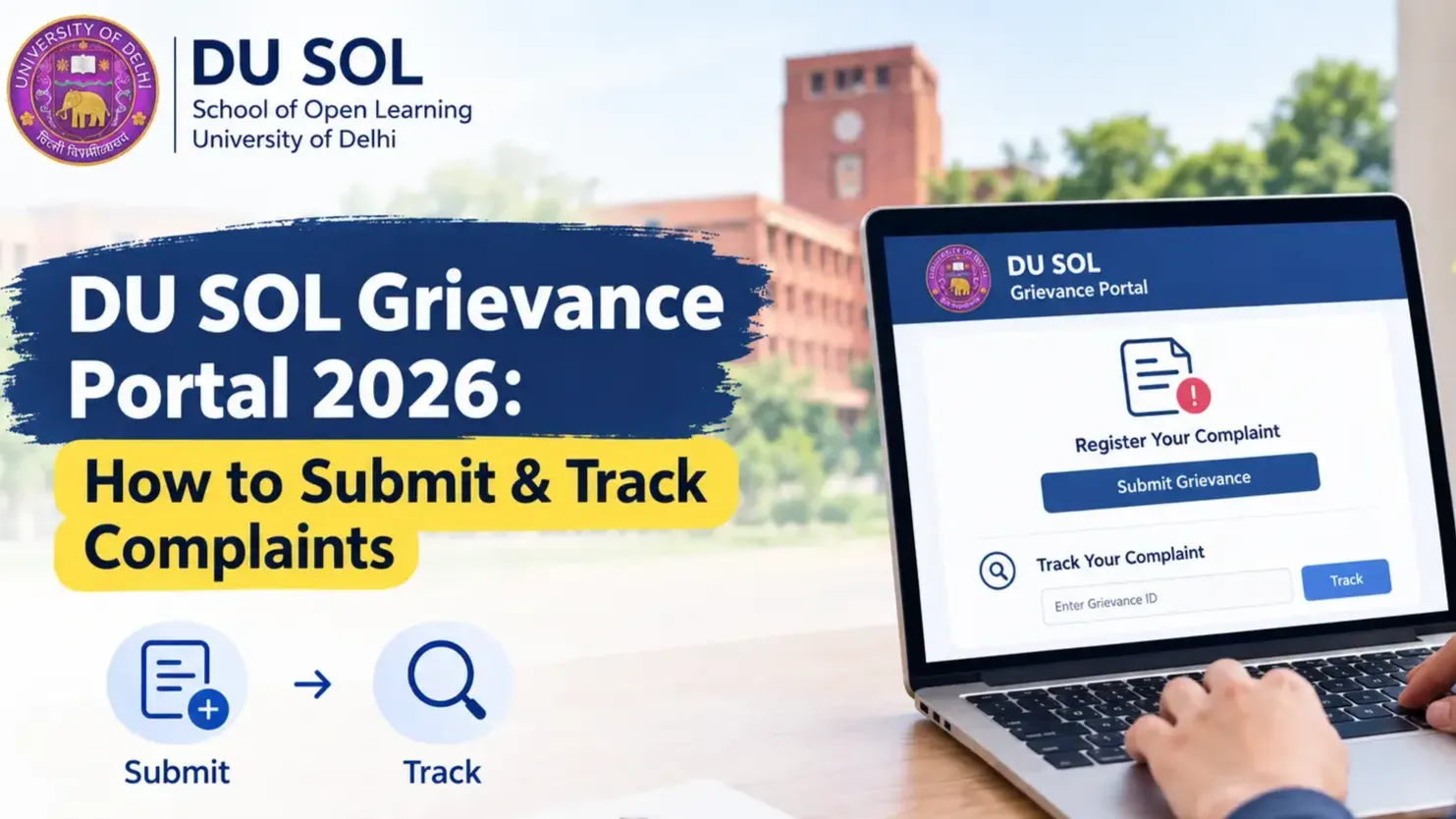
As a DU SOL student, you would have figured out that getting an admission or exam-related grievance sorted out isn't as easy as walking over to a counter and telling someone about it. That's precisely where the DU SOL Grievance Portal comes in – this is officially where students can submit and chase a grievance. So whether you've paid your fees at least twice, or your hall ticket just vanished on the eve of exams, you can log your grievance for the DU SOL Grievance Portal 2026 (and get a reference number and track it, of course).
What is the DU SOL Grievance Portal?
Portal Overview
DU SOL Grievance Portal has been launched as an online portal for the students of DU's School of Open Learning (SOL). Through this portal, students who are registered can file complaints related to academics as well as other administrative activities and can look forward to an official response to the complaint in a stipulated timeframe. Students no longer need to make visits in person or send emails that do not receive a response from SOL administrators.
The platform not only takes on all kinds of issues related to the students, be it confirmation of their admission or issues relating to examination results, but is also designed to ensure the transparency of the complaint filing system. For each and every complaint lodged via the DU SOL Complaint Portal, a specific reference number is provided which acts as the master reference for monitoring the follow-up changes later.
Key Highlights
Feature | Details |
Portal Name | DU SOL Grievance Portal |
Mode | Online |
Available For | UG & PG Students |
Complaint Type | Academic & Administrative |
Complaint Tracking | Available |
Support | Online Help Desk |
Why Should Students Use the DU SOL Grievance Portal?
Most of you pursuing a distance education, it's likely that you're managing work, family, and all your other duties on the side. You cannot realistically avail yourself of an off day to visit a university over a fee receipt. The DU SOL Grievance Portal 2026 is trying to fill this void.
Key Benefits
Quick Complaint Registration – You can log an issue in a few minutes, no forms to print or courier.
Online Complaint Tracking – Just punch in your complaint ID and see where things stand.
Transparent Resolution Process – Your complaint moves through set stages, so you're not left guessing.
Reduced Need for Campus Visits – Most things get sorted without you having to show up in person.
Easy Document Upload – Attach your proof directly instead of mailing physical copies.
Faster Communication – Replies come through the portal itself, so nothing gets lost in translation.
Types of Complaints Accepted on the DU SOL Grievance Portal
The DU SOL Student Grievance system isn't limited to one or two categories — it covers most of the common problems students run into. Picking the right category when you file matters, because it decides who your complaint goes to.
Admission Related
Admission confirmation taking too long
Document verification stuck or rejected
Confusion over eligibility
Examination Related
Hall ticket missing or showing wrong details
Exam centre allotted incorrectly
Internal assessment marks not showing up
Errors in results
Fee Related
Money deducted but payment shows failed
Refund not processed
Fee receipt not generated
Study Material
Books never arrived
Can't access the LMS
Study material incomplete
Student Services
ID card issues
Migration certificate delayed
Degree certificate queries
Can't log in to the student portal
Who Can Submit a Complaint on the DU SOL Grievance Portal?
You don't need to be in any specific year or semester to use this. It's open to:
UG students
PG students
Freshly admitted students
Students already enrolled and continuing their course
Alumni, mainly for document-related matters
If you're still deciding whether distance learning is the right fit for you, having a support system like this in place is worth factoring in — it's one of the practical upsides of picking DU SOL for your distance education learning journey.
DU SOL Grievance Portal Login Process
Logging in correctly is the first step to using the DU SOL Grievance Portal without hiccups.
Step 1 – Visit the Official Portal
Head to the official DU SOL website and find the grievance or complaint section.
Step 2 – Enter Student Credentials
Log in with your enrolment number and password.
Step 3 – Verify Details
Take a second to check that your academic and personal details on the dashboard are correct before you move forward.
Step 4 – Access Dashboard
Once that's done, you'll land on your dashboard, where the option to file a grievance is right there.
How to Submit a Complaint on DU SOL Grievance Portal
Filing under DU SOL Complaint Registration isn't complicated — it's basically a form with a few extra steps.
Step 1 – Log in
Sign in with your usual student credentials.
Step 2 – Select Complaint Category
Pick whichever category fits your issue best — admission, exams, fees, study material, or student services.
Step 3 – Enter Complaint Details
Write out what happened clearly. Don't just say "not working" — mention actual dates, transaction IDs, or reference numbers if you have them. It genuinely speeds things up.
Step 4 – Upload Supporting Documents
Attach whatever backs up your claim — screenshots, receipts, earlier emails, anything relevant.
Step 5 – Submit Complaint
Give it one last read-through and hit submit.
Step 6 – Save Complaint Reference Number
Make a note of the reference number, or take a screenshot. You will need to check DU SOL Complaint Status later and this small number is easy to lose out on.
Documents Required for Complaint Submission
Having these ready before you start the form makes the whole process faster:
Student ID card
Admission receipt
Fee payment receipt
Aadhaar card (if the complaint requires identity verification)
Screenshot of the error you're facing
Any other documents relevant to your specific issue
Past communication with the department, if you've already reached out before
How to Track Complaint Status on DU SOL Grievance Portal
Checking on your complaint is honestly the easy part once you know where to look.
Log in to the Portal
Use the same login you used when filing the complaint.
Open Complaint Dashboard
Head over to the tracking or grievance section.
Enter Complaint ID
Type in the reference number you saved earlier.
View Current Status
Your dashboard will show exactly which stage your complaint is at right now.
Download Response
If there's already a reply or resolution, you can usually view or download it straight from there.
Complaint Status Explained
Status | Meaning |
Submitted | Your complaint has been registered successfully |
Under Review | It's currently being looked into by the concerned department |
Pending Documents | They need something more from you before proceeding |
Resolved | The issue has been addressed and closed |
Closed | Final action has been taken; nothing further expected |
Expected Complaint Resolution Timeline
How long things take really depends on how complicated the issue is and which department is handling it. Based on the general pattern seen across student grievance systems in distance education:
Complaint Type | Expected Resolution Time |
Admission | 7–10 working days |
Fee Issues | 5–7 working days |
Examination | 10–15 working days |
Study Material | 7–10 working days |
Technical Issues | 3–5 working days |
Keep in mind these are rough estimates — things can take longer during the admission rush or when results are being declared.
Common Issues & Their Solutions
Login Not Working
Or alternatively, you could just try wiping all data from your internet browser, make sure you have entered your enrollment number 100 per cent correctly or if all else fails, you could just use the "forgot password" facility!
Complaint Not Submitted
Typically, there's a reason behind these submission errors. Check that you've fill in the required field or ensure your uploaded file does not exceed size limit and then try to submit again.
Complaint Status Not Updated
Wait a couple business days. If it's been an extended amount of time (longer than you would have expected) without movement, then and only then does the help desk become necessary to contact.
Fee Payment Error
Keep your transaction ID and payment screenshot handy — having these ready when you file makes verification much quicker.
Duplicate Complaint
Try not to file the same issue twice under different categories. It doesn't speed things up — if anything, it just adds extra cross-checking and slows the process down.
DU SOL Help Desk & Contact Support
Email Support
For anything that isn't getting resolved through the portal, you can write directly to the official DU SOL support email listed on the university's website.
Phone Support
There's a dedicated helpline number on the official portal for anything urgent.
Student Facilitation Centre
If you'd rather sort things out in person, the facilitation centre is there to help beyond what the DU SOL Grievance Portal handles online.
Working Hours
Support runs on regular working days and is closed on university holidays.
Tips for Faster Complaint Resolution
Pick the right category the first time around — don't guess
Make sure your uploaded documents are clear and readable
Give complete details, including exact dates and reference numbers
Save your complaint number somewhere you won't lose it
Skip filing the same complaint more than once
Check your status every few days instead of waiting till the last minute
If you're weighing up your options for distance education and want something backed by an actual support and grievance system, it's worth looking closer at what DU SOL offers as part of your distance education learning plans.
DU SOL Grievance Portal vs Offline Complaint Process
Feature | Online Portal | Offline Method |
Complaint Submission | Instant | Manual |
Tracking | Available | Limited |
Response Time | Faster | Slower |
Document Upload | Yes | Physical copies |
Transparency | High | Moderate |
Conclusion
Eventually, all that it does is make things convenient for a DU SOL student who just wouldn't be able to devote the time to chase their grievance. Make sure you store your reference number, always take a peek at it to make sure everything is in process, and that's it, really. If you're an open or distance student, it's quite a savior from those endless runs from DU to Delhi University (as one student likes to call it).