DU SOL LMS Portal Guide: Login, Access & Features (2026)
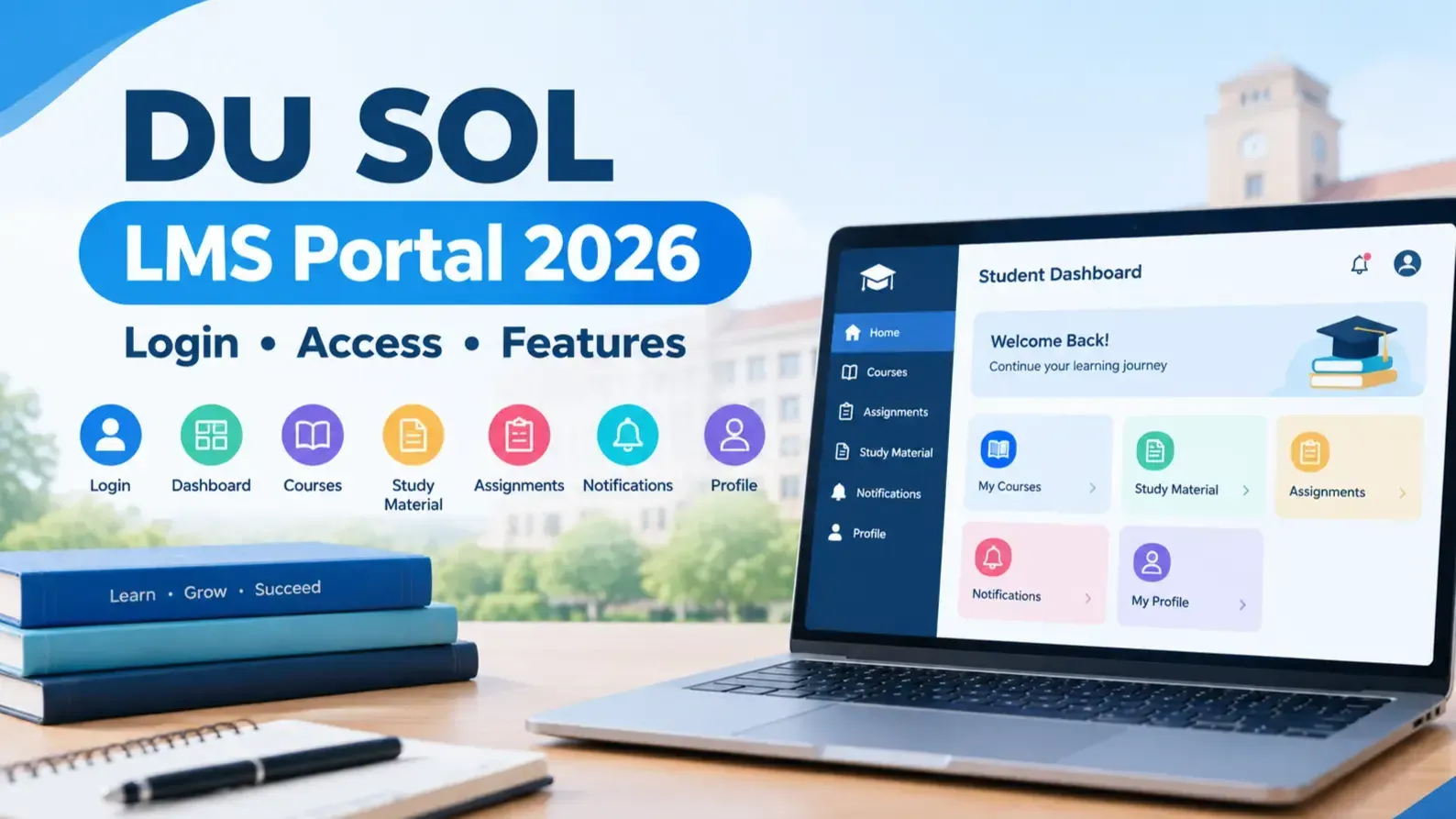
DU SOL LMS Portal is the Learning Management System for all the students studying in the School of Open Learning, University of Delhi. It is one single online platform that hosts study material, live & recorded lectures, assignment submission, examination notifications etc. The DU SOL LMS portal makes distance learning feasible for professionals, homemakers or people with other commitments as students can study, submit their assignments, get their assignments graded and be notified of exams, all without visiting the campus. In this guide we explain how you can log in, navigate your dashboard and features and sort out your common issues.
What is the DU SOL LMS Portal?
Portal Overview
Think of the DU SOL LMS Portal as your digital classroom. It's built for undergraduate and postgraduate students who are studying through open and distance learning rather than attending regular college. Instead of depending only on physical study centres, you can log in from your laptop or phone and get to your coursework whenever it suits you.
The whole point of the LMS is to give distance learners something closer to a real classroom experience — recorded lectures, live sessions, e-content, and a way to communicate with faculty — without needing to be physically present. If you're someone juggling a job or other responsibilities alongside your degree, this portal ends up doing a lot of the heavy lifting that a physical classroom otherwise would.
DU SOL LMS Highlights
Feature | Details |
Portal Name | DU SOL LMS Portal |
Access Mode | Online |
Users | UG & PG Students |
Study Material | Digital |
Live Classes | Available |
Assignments | Online |
Device Support | Desktop & Mobile |
Why Should Students Use the DU SOL LMS Portal?
A fair question students ask is — why bother with an LMS when printed material already exists? Honestly, it comes down to time and convenience. Once you start using it properly, you'll notice how much easier it makes staying on top of things.
Key Benefits
Anytime Learning – Study whenever it works for you, whether that's early morning before work or late at night.
Centralized Study Material – Everything sits in one place instead of being spread across emails, WhatsApp forwards, or printed handouts.
Online Assignment Submission – Upload your work directly through the DU SOL LMS Portal Login dashboard; no running around needed.
Live & Recorded Lectures – Missed a class? The recording is usually right there waiting for you.
Academic Notifications – Exam dates, hall tickets, results — it all lands on your dashboard.
Easy Communication – Forums and notice boards keep you in the loop with faculty and fellow students.
If you're weighing up distance education learning as an alternative to a regular college schedule, this is exactly the kind of setup built for that — flexible enough for working professionals, structured enough to keep you on track.
How to Access the DU SOL LMS Portal
Once your admission is confirmed, getting onto the portal takes just a few minutes.
Step 1 – Visit the Official LMS Portal
You should proceed to the URL provided through email or mentioned in the student details while applying at the DU SOL LMS Portal. (You also want to verify the address, since phishing pages often look alike).
Step 2 – Enter Student Credentials
Log in using your enrolment number and password for DU SOL Student Login. If it's your first time, your credentials usually arrive via your registered email or SMS.
Step 3 – Login to Dashboard
DU SOL LMS Login will take you to your own dashboard after the verification. This way you can find out all the information at a place. Which are courses and other information. You can also find out notices and notices there.
Step 4 – Access Course Resources
From here, you can open study material, join a live class, or check what assignments are due.
DU SOL LMS Login Process
Student Login
Your enrolment number and password are all you need for the DU SOL LMS Login. It's the single gateway to everything else on the portal.
Forgot Password Process
Forgotten your password? Not a big deal — the "Forgot Password" option on the login page walks you through resetting it using your registered email or mobile number.
Password Reset Steps
Click "Forgot Password" on the DU SOL LMS Portal Login page.
Enter your enrolment number along with your registered email/mobile number.
Verify the OTP sent to you.
Set a new password and confirm it.
Log back in with your updated credentials.
First-Time Login Instructions
Keep your admission confirmation email handy the first time you log in — it usually has your temporary credentials. And once you're in, change your password right away; it's a small step but worth doing for your account's security.
DU SOL LMS Dashboard Overview
The dashboard is really the heart of the DU SOL LMS Portal — everything you need is organized into clear sections so you're not hunting around.
My Courses
All your enrolled subjects and programmes show up here, making it easy to jump between them.
Study Material
This is where your semester-wise notes and PDFs live, under DU SOL LMS Study Material.
Online Classes
Your scheduled live sessions, along with join links and reminders, sit here.
Assignment Section
One place to track what's pending, what's submitted, and what's already graded.
Examination Updates
Exam schedules, hall ticket availability, and results all show up in this section.
Student Profile
Your personal details and academic records, kept for quick reference whenever you need them.
Key Features of the DU SOL LMS Portal
Digital Study Material
Subject-wise e-content is ready to download, so you're not left waiting on printed material to arrive.
Live Online Classes
Faculty run scheduled live sessions where you can actually ask questions and get answered in real time.
Recorded Video Lectures
Couldn't join live? The recorded version stays up for revision whenever you're ready.
Assignment Upload
Upload your completed work directly — no more submitting physical copies.
Announcements & Notifications
Deadlines, circulars, and other updates show up right on your dashboard.
Discussion Forums
A space to sort out doubts with peers or faculty outside of scheduled class hours.
Academic Calendar
Keeps you aware of key semester dates so nothing catches you off guard.
Attendance (If Applicable)
For some programmes, your attendance in live sessions may be tracked through the portal.
How to Download Study Material from LMS
Select Your Course
Go to "My Courses" and pick the programme you're enrolled in.
Choose Semester
Filter by the correct semester so you're looking at the right material.
Download PDF Notes
Click the download icon beside each unit to save your DU SOL LMS Study Material as a PDF.
Save Offline
Keep your downloads organized in folders so you can access them even without internet.
How to Attend Online Classes
Join Live Classes
Click the live class link under "Online Classes" a bit before the session starts — gives you a buffer in case of technical hiccups.
Access Recorded Lectures
All recordings get uploaded a day or two after the live class and stay online throughout the semester.
Download Class Notes
Quite a few faculty members also upload extra notes alongside the recordings, which helps a lot during revision.
Assignment Submission Process
Download Assignment
Assignment questions for each subject are available to download from the assignment section.
Prepare Answers
Write your answers following university guidelines, usually within the specified word limit.
Upload Assignment
Scanned copies or typed PDFs can be uploaded straight through the DU SOL LMS Portal.
Verify Submission
Always double-check that your file actually uploaded before the deadline passes — don't leave it to chance.
Examination & Result Services
Exam Notifications
Date sheets and exam-related circulars go up on the portal well ahead of time.
Hall Ticket Updates
Admit cards become downloadable as the exam period gets closer.
Result Notifications
Semester results are announced through the portal alongside official university channels.
Internal Assessment
Where applicable, your internal assessment marks may also show up on your dashboard.
Common DU SOL LMS Login Problems
Invalid Username
Usually just a typo in the enrolment number — worth double-checking the digits before assuming something's broken.
Incorrect Password
Too many failed attempts can lock your account temporarily, so it's better to reset the password than keep guessing.
OTP Not Received
Sometimes it's a network delay; other times it's an outdated mobile number on file.
Website Not Opening
Often just heavy traffic during peak hours, or a local connectivity issue on your end.
Slow Dashboard Loading
Around exam time especially, high traffic can slow things down a bit.
Troubleshooting Guide
Problem | Solution |
Login Failed | Recheck enrolment number and password; clear browser cache |
Forgot Password | Use the "Forgot Password" link with registered email/mobile |
Dashboard Error | Refresh the page or try a different browser |
PDF Not Opening | Update your PDF reader or try downloading again |
Assignment Upload Failed | Check file size/format and stable internet connection |
DU SOL LMS Portal on Mobile
Mobile Browser Access
You don't need a separate app — the DU SOL LMS Portal works fine through mobile browsers like Chrome or Safari.
Best Browser Settings
Keep your browser updated and cookies enabled for a smooth DU SOL LMS Login experience.
Internet Requirements
A decent connection — broadband or 4G/5G — makes a real difference for live classes and downloads.
Mobile-Friendly Features
Study material, notices, and assignment uploads are all designed to work comfortably on a smaller screen.
Tips to Use DU SOL LMS Efficiently
Log in regularly so you don't miss notices or deadlines.
Download study material early instead of scrambling right before exams.
Attend live classes when you can — it's the fastest way to clear doubts directly.
Submit assignments well before the deadline, since last-minute technical issues do happen.
Turn on notifications so nothing important slips past you.
Keep important documents like admit cards and results saved somewhere safe.
If you're exploring distance education learning, treat the LMS as more than a formality — used consistently, it becomes an actual study partner through the year.
DU SOL LMS Portal vs Traditional Learning
Feature | DU SOL LMS | Traditional Classroom |
Study Material | Digital | Printed |
Classes | Online | Offline |
Flexibility | High | Limited |
Assignment Submission | Online | Offline |
Learning Access | 24×7 | Fixed Schedule |
Conclusion
Essentially, the DU SOL LMS Portal ties in all your study materials, class notifications, assignments, and exam updates into one space, streamlining your experience of distance learning. It was designed as an answer to students' need for both learning liberty and learning discipline. But no matter how often you log in-for the first time of the semester or out of sheer habit-using your DU SOL LMS Portal regularly will set you up for whatever comes the student's way.